Stock accuracy is a starting point, not the whole story
Why a 98% count still hides the questions worth asking — and what to look at next.
Read article →
Bring your sales, recipes, counts and suppliers into one clear view. StokkedPro explains stock movement, flags the changes worth a look and shows the next order to place.
30-minute walkthrough · No obligation
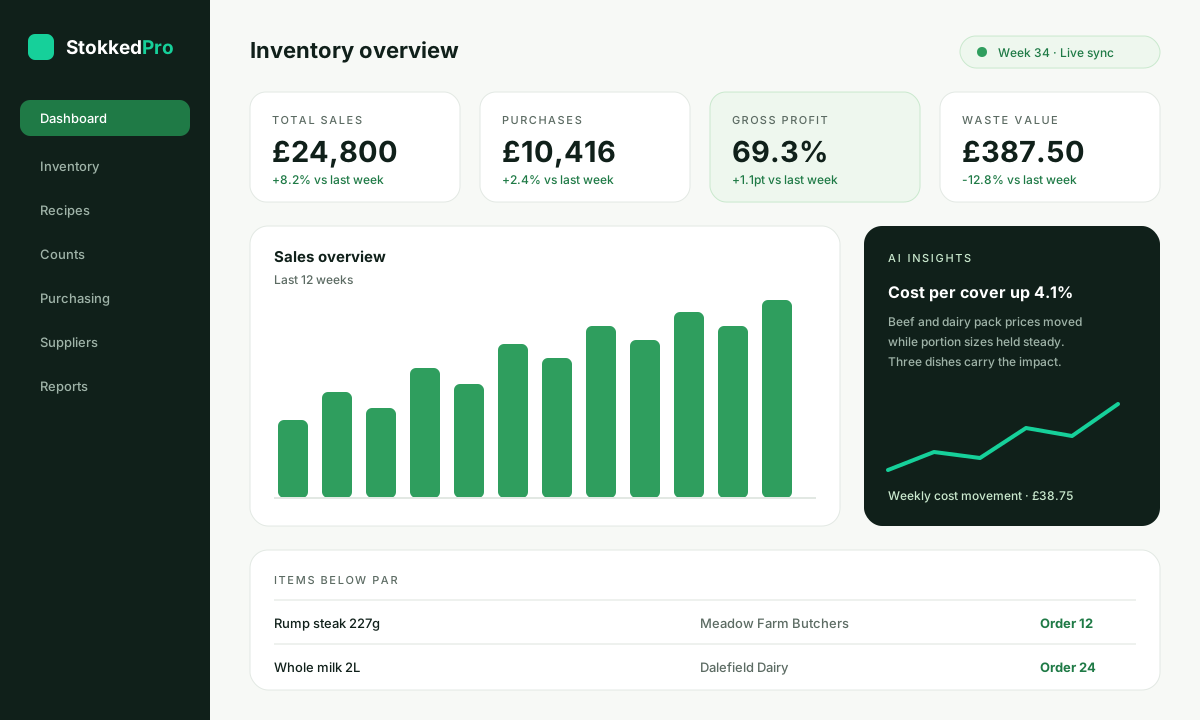
Beef and dairy pack prices moved while portion sizes held steady. Three dishes carry most of the impact.
| Rump steak 227g | Meadow Farm Butchers | Order 12 | |
| Whole milk 2L | Dalefield Dairy | Order 24 | |
| Sourdough loaf | Ashgrove Bakery | Order 8 |
A clearer view of the week you already ran
See how your sites perform, where your stock goes, and which numbers deserve your attention now.
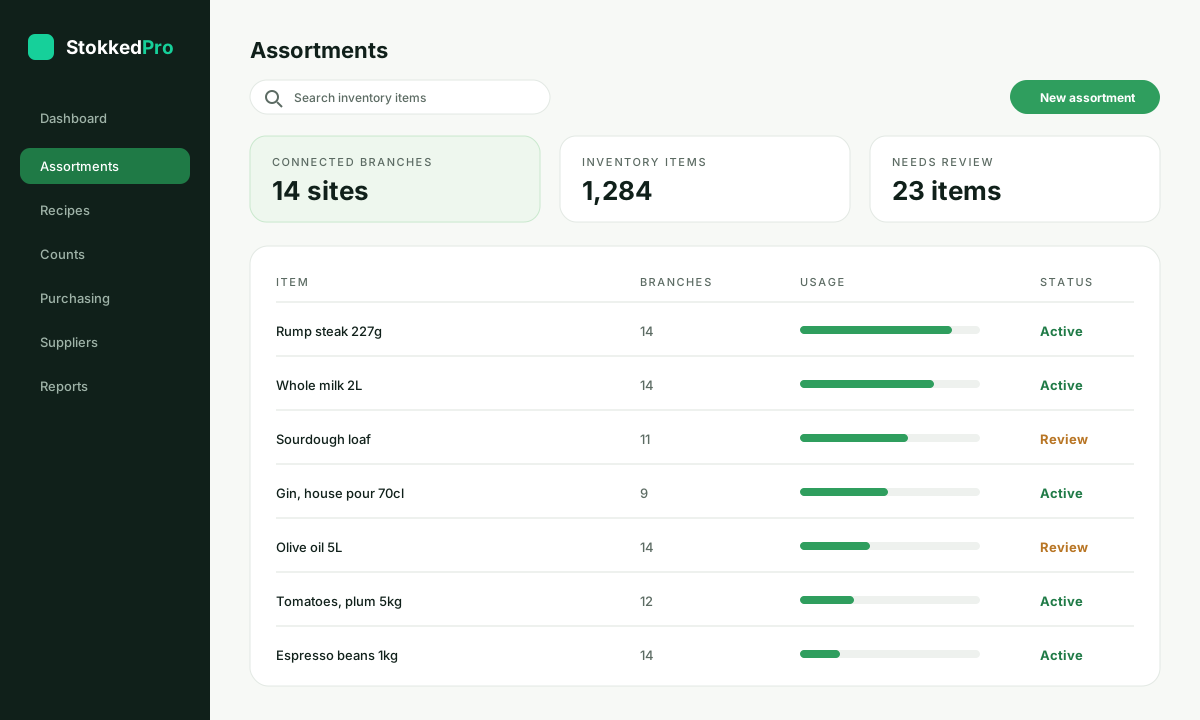
Counted, theoretical and live stock reconciled on one line.
Catch supplier price changes before they quietly eat your margin.
See who counted what, and which sheets are still outstanding.
See where stock falls short, and which supplier can fill the gap today.
Your till, your delivery apps, your supplier invoices and your count sheets each hold a piece of the truth. None of them hold all of it.
StokkedPro joins them up so you spend less time reconciling and more time acting on what the numbers are telling you.
Bring the right sources together, agree on what matters, and give your team a shared starting point.
Bring your POS, delivery platforms and accounting into one workspace in an afternoon.
Define your recipes, pack sizes, par levels and supplier price lists once, then reuse them everywhere.
Record counts, waste and transfers on mobile, then see theoretical usage against what you actually have.
Use the suggested purchase orders and variance flags to decide what to order and what to trim.
One workspace, one useful view of the same inventory story.
Bring a clearer set of numbers to your next menu meeting — dish by dish, with live costs.
Compare sites, investigate variance and plan your next count without rebuilding a spreadsheet.
Connect purchasing spend with business outcomes in one useful view, wherever you are.
Turn weekly stock reporting into a more useful, more repeatable conversation.
StokkedPro tracks every invoice line against the last one you paid, so a quiet 6% increase on your busiest ingredient never slips past the pass.
Based on the last 4 delivery notes matched to invoices.
Operators, chefs and finance leads on what changed once everything lived in one place.
Our Monday meeting used to start with three conflicting reports. Now we start with the same picture and spend the time deciding what to do.
I can open the numbers behind an AI summary. It gives us a useful starting point without asking us to take the answer on faith.
The weekly brief helps us explain the story to our teams. We can talk about the trade-offs instead of every dashboard at once.
The quickest way to understand StokkedPro is to watch it run against your sales, your menu and your suppliers.
We connect a sample of your sales and product data during the session, so nothing is a generic sandbox.
A guided walkthrough of POS integration, recipes, counts and purchasing — plus time for your questions.
You leave with a written summary and a suggested rollout plan for your sites. No obligation either way.
Practical ideas for clearer reporting, more useful AI and better conversations about performance.
Why a 98% count still hides the questions worth asking — and what to look at next.
Read article →A short checklist for judging whether an automated summary is worth acting on.
Read article →The four numbers that belong in a Monday stock update, and the ones that do not.
Read article →More context on the product, the data, and the way your team steps in to continue.
Your POS sales, recipes and dish specs, stock counts, waste, transfers and supplier purchasing — all in one workspace, so theoretical usage and real counts sit side by side.
It summarises what changed in your stock and cost position, flags the movements worth a closer look, and always links back to the underlying numbers so you can check the working.
No. Your POS stays exactly where it is. StokkedPro reads sales from it and can push product, price and recipe updates back, so your service workflow is untouched.
Your POS reports what was sold. StokkedPro reports what that should have consumed, then compares it with what you counted. The gap between the two is the useful part.
Sales import automatically every day, and most integrations support intra-day syncs. Counts, waste and deliveries update the moment your team records them.
Yes. Agencies, consultancies and resellers can run separate client workspaces from one login, with their own branding and permissions.
Each till group, delivery platform, accounting ledger or supplier feed you connect counts as one source account.
Book a demo and we will connect a sample of your data during the session, so you can see your own numbers rather than a generic sandbox.
Bring your POS, recipes, counts and suppliers into one workflow and see what changes in the first month.